
Deposit & Claims
This guide explains how to submit and manage deposit claims for damage, loss, or policy violations during rentals.
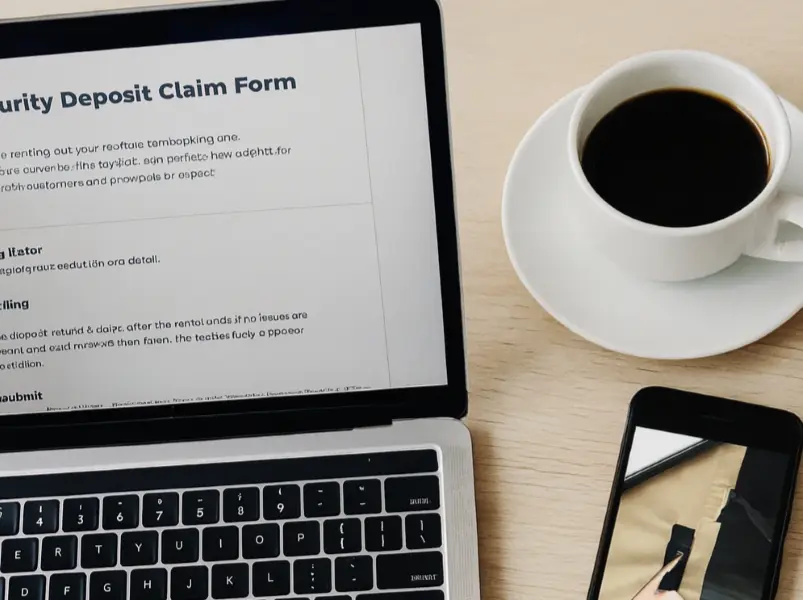
Submitting a claim
If there is damage, loss, or a policy violation, submit a claim within 2 days after the rental ends. Include clear, date-stamped photos or video, receipts/quotes/invoices, and a short description of what happened and the estimated cost. You'll also receive an email at rental start with a claim link.
How to submit
- Complete the Security Deposit Claim Form.
- Attach the evidence and a brief summary.
- Email everything to deposit@roofwander.com using the subject "Deposit Claim – [Order ID]".
Claim review
Once a claim is submitted, the deposit is held during review. The RoofWander team evaluates the evidence and may approve, partially approve, or decline the claim. If approved, the approved amount is deducted from the deposit and any remainder is refunded to the customer. If costs exceed the deposit, the renter remains responsible under the Terms of Service.
Withdrawing a claim
To withdraw a claim, email deposit@roofwander.com. The deposit will then be refunded in full to the customer.
Dispute handling
Disputes are handled manually by the RoofWander team in the Sharetribe Console. Decisions are based on the submitted evidence from both sides and made at the sole discretion of RoofWander.
Tips for successful claims
- Document everything: Take photos/videos before and after each rental
- Communicate clearly: Discuss issues with renters immediately
- Be reasonable: Only claim actual damage costs, not wear and tear
Still have questions?
We're here to help! Reach out to us at hello@roofwander.com and we'll get back to you as soon as possible.
Explore